 beesolo.
01
Create your beesolo
Add your name, photo, and personal booking link.
Let clients choose your services, see your prices, and book an available time, even while you're busy.
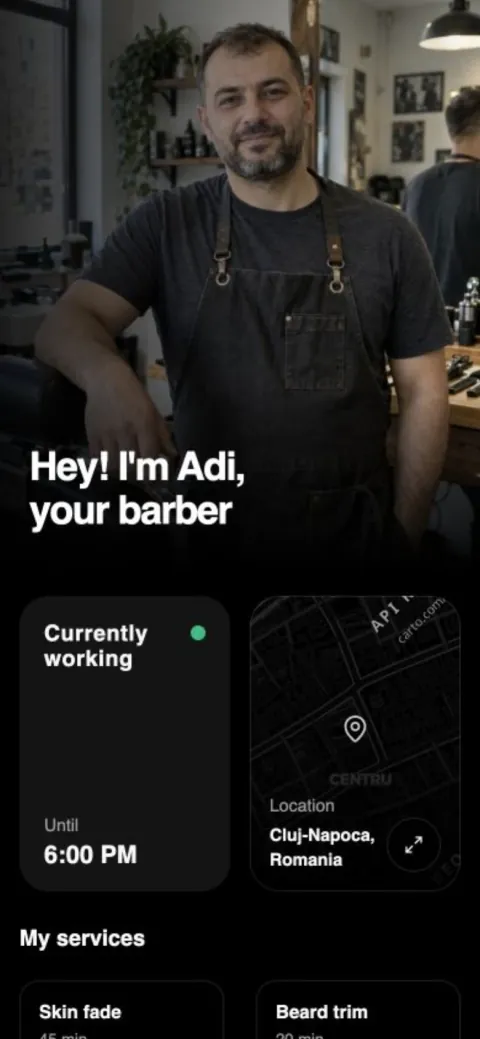

Add your services, set the times you work, and publish one link clients can use anywhere.
Add your name, photo, and personal booking link.
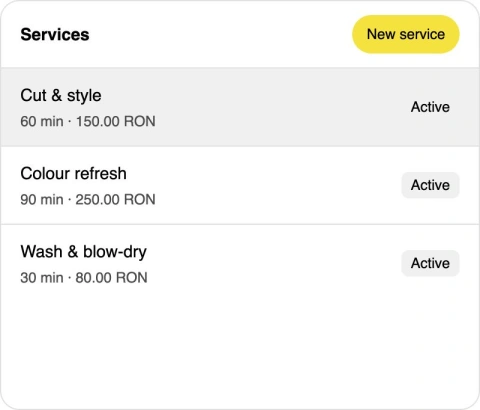
Give each service a clear price and duration.
Share one link. Clients choose a time and book.
Your work, services, prices, location,
and available times stay together.
List your services, prices, durations, and booking rules. Each choice moves straight into your real availability.
Your beesolo page takes a client from "I need a cut" to a confirmed time.
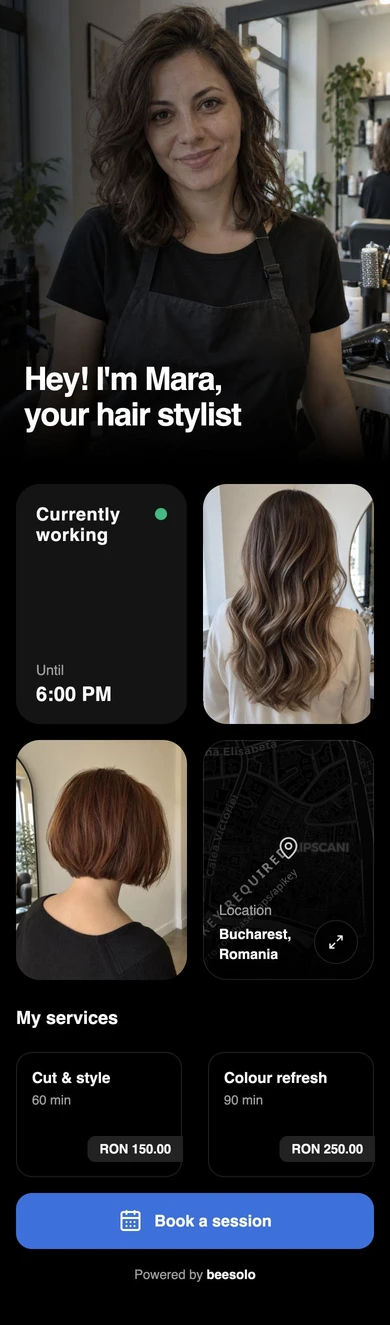
Give new clients a clear view of your work, services, and location, with booking just a tap away.
Your profile and service menu share one link that works on any phone.
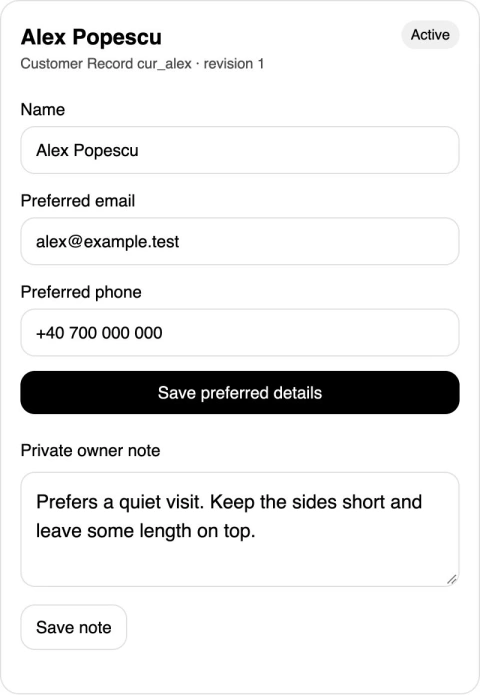
Keep preferred contact details and private notes in one customer record, ready for the next visit.
A preferred haircut or a quiet appointment: keep the details that matter.
beesolo keeps the public page simple and gives the owner the scheduling controls behind it.
Confirm bookings and handle changes.
A clear link for services, location, and booking.
One owner, one active professional, one shop.
Clients choose a time, add their details, and get a confirmation with everything they need for the appointment.
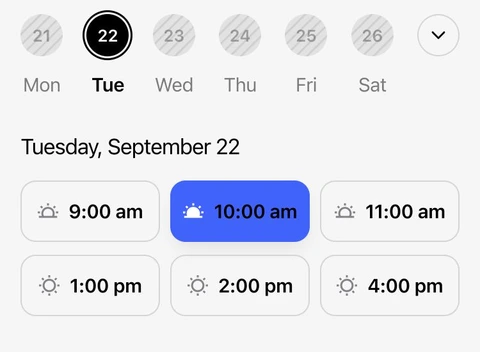
Clients choose a slot that fits the service.
Clients book directly in their browser.
Service, time, duration, and price in one place.
A secure link for changes allowed by your booking rules.
Blog
Useful next steps for finding clients, planning your calendar, and making the next visit easier.
Read our articles
Move the arrangements out of scattered messages and into one calendar. A practical changeover with existing-booking steps and client messages.

Help someone who finds your salon nearby get from the listing to an appointment. Includes link setup, destination checks, and common problems.

Eight short bios with character counts and link titles. Make your work and location clear, then give interested visitors somewhere useful to go.

Make the next visit part of a useful conversation. Simple wording for agreeing a time now or leaving the client with a clear way to book later.

Settle the new price before the conversation at payment. Clear announcements and personal replies explain the date, the amount, and existing appointments.

Decide what would make your working week easier. A practical scorecard, a cost example, and real booking tasks for a barber or stylist working alone.
Your work, services, and available times. One link clients can book from.